
Welcome
to the next
generation of
Gibtelecom TV
Watch. Stream. Play
Upgrade for Free
Are you an existing TV customer? Get our latest TV box at no extra cost! Simply bring in your old box, and we'll exchange it for a new one.
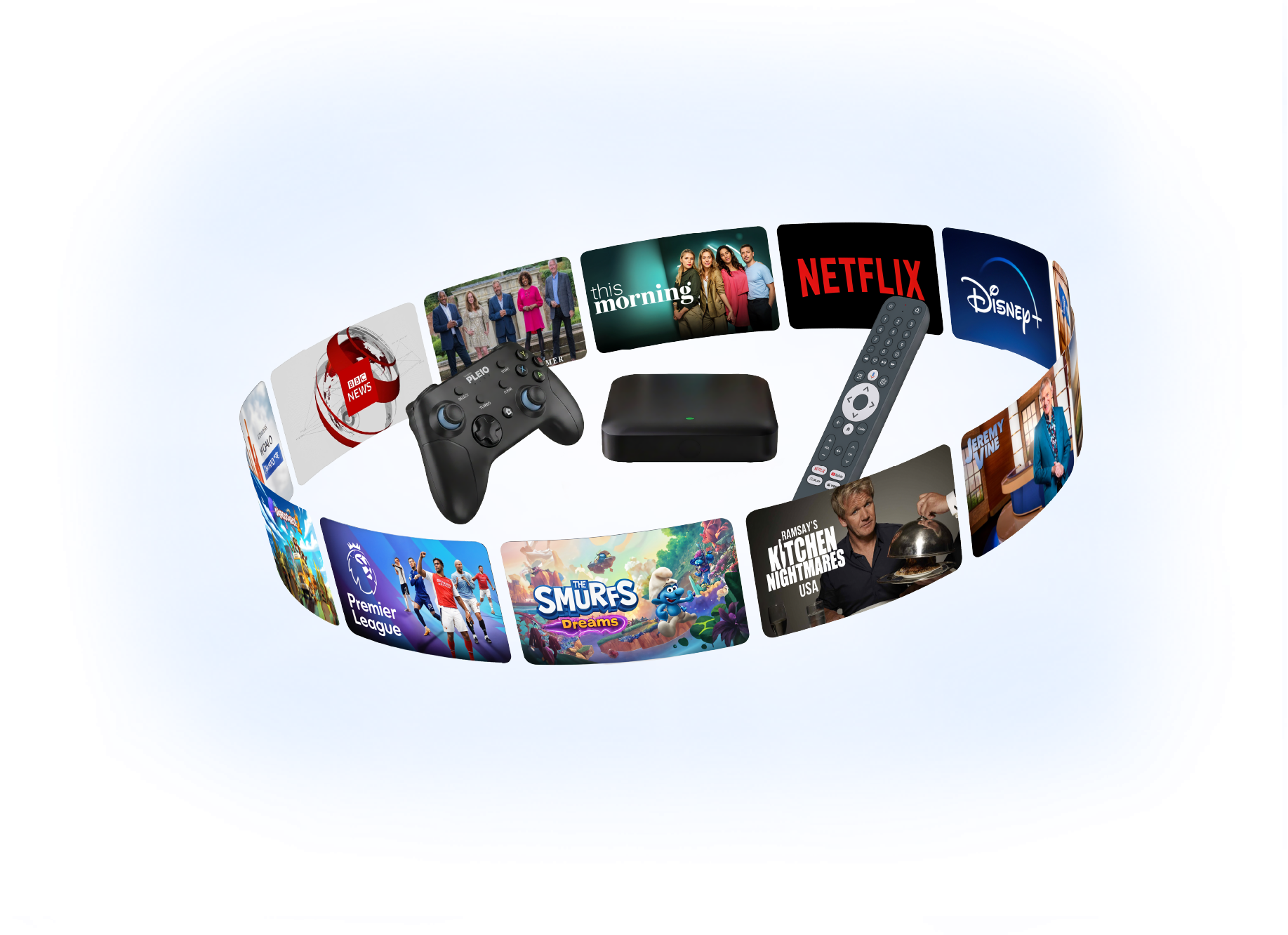
Watch 170+
TV channels
Including premium live sports, British and Spanish favourites, and dedicated kids' content.









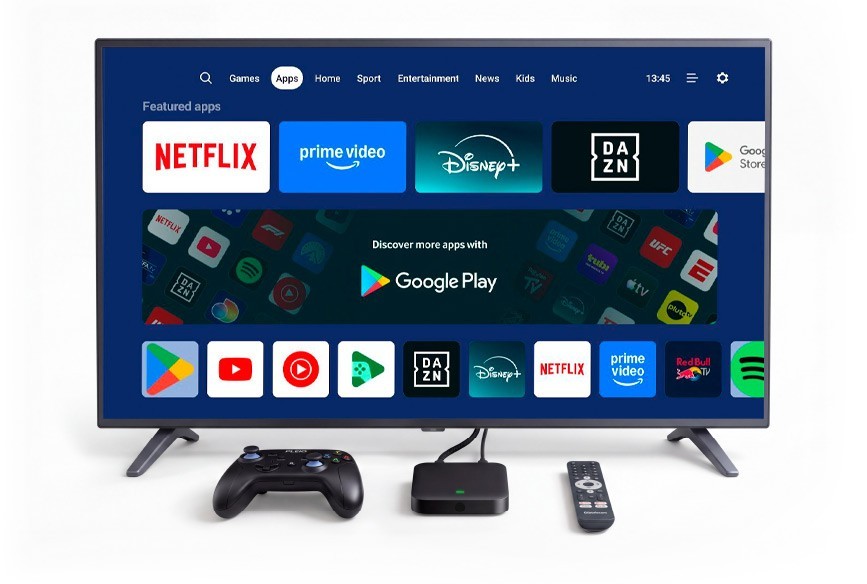
Stream and download
Over 10,000 apps from the Google Play Store, with a selection of the most popular apps already included.
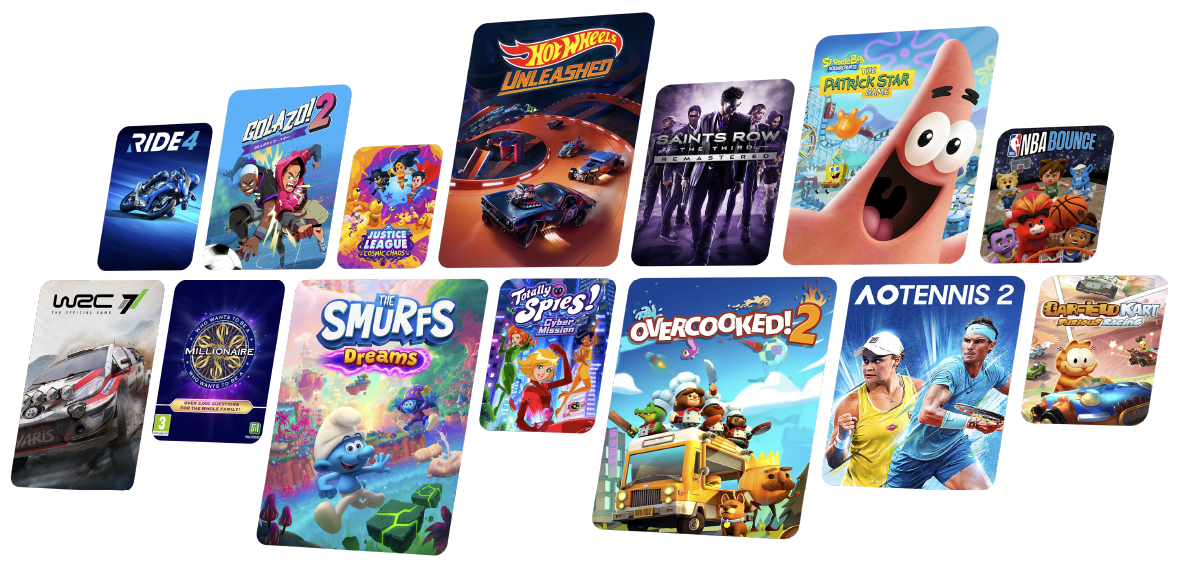
Play 300+ games
With Bluetooth controller included.
Find the best TV bundle for you




Our exciting features

Catch up
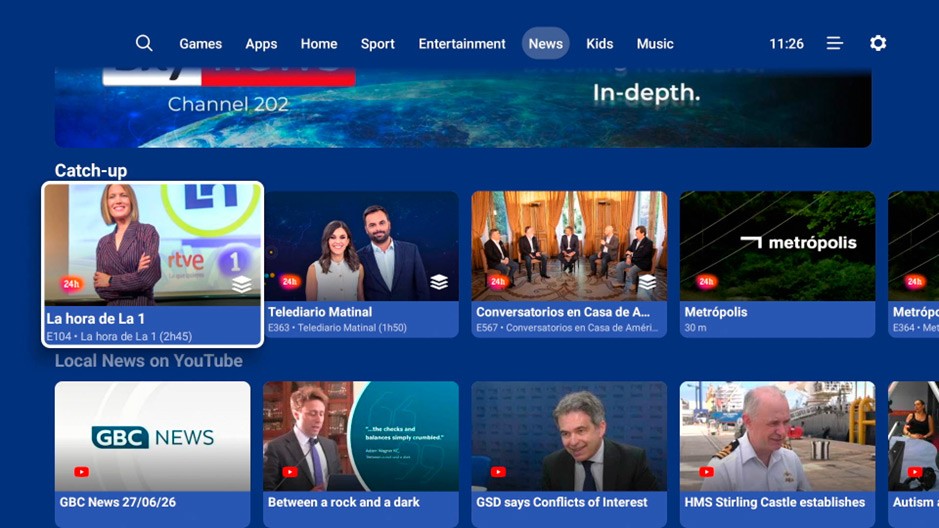
Watch programmes from some of your favourite channels that you missed from the last seven days.

Favourites
Add your favourite channels and programmes to your Home section and carry on watching where you left off.

Universal search
Search across live TV, catch up and apps to find the content you want.

Mobile app
Go mobile and watch TV on the go anywhere in Gibraltar with access to over 70 live channels and catch up.

Voice Control Remote
Control your TV with your voice. Search, play, adjust settings, and navigate effortlessly.
Everything you love, all in one place.
Frequently Asked Questions
TV Set-Top Box (Gen 2)
To enjoy Gibtelecom TV, you'll need:
- A Gibtelecom broadband connection.
- A TV with an HDMI port. A smart TV is not required.
New Broadband and TV customers will receive our latest Gen 2 Android TV box as standard.
If you're already a Gibtelecom TV customer, you can upgrade to the new box at no extra cost when returning your existing TV box in good working condition.
Prefer to keep your current box too? You can add an additional TV box for another room for just £3 per month.
If you already have Gibtelecom broadband, you can enjoy Gibtelecom TV for just £10 per month on a flexible monthly basis.
If you take Gibtelecom TV as part of one of our Broadband bundles, a 12‑month minimum term applies, including when benefiting from promotional offers such as our 3 months free new customer bundles.
Your TV box is included as part of your service at no additional cost, just like your Broadband Gateway. Most customers find it quick and easy to set up themselves using our simple plug-and-play installation. If you'd prefer a helping hand, we can arrange a home installation by one of our engineers for a one-off charge of £60. Should you ever decide to leave the service, simply return the TV box to us.
Your subscription includes:
- One TV box for your main TV.
- One mobile device login for viewing on the go.
Want to watch on more screens? No problem.
- Add up to two additional TV boxes for just £3 per month each (three TV boxes in total).
- Add up to two additional mobile device logins for £5 per month per device (three mobile devices in total).
Each TV requires its own TV box, and you can have up to five devices in total on a single subscription (with a maximum of three TV boxes or three mobile devices).
If you need more than five devices, an additional TV subscription can be added for £10 per month.
The Gibtelecom TV app is available free of charge from both the App Store (iOS) and Google Play Store (Android).
Simply download the app and log in using the Subscriber ID and PIN provided when you joined.
You can enjoy a selection of live TV channels on your smartphone or tablet at home or on the move using:
- Gibtelecom home broadband
- Gibtelecom 3G, 4G or 5G mobile services
Channel availability on the app may vary due to content licensing agreements
Yes. A selection of channels offers up to 7 days of Catch-Up TV, allowing you to watch programmes you may have missed.
On supported channels, you can also:
- Pause live TV
- Rewind
- Fast-forward through Catch-Up content
You can view the latest supported channels on our TV Channels page.
Channels that support Catch-Up will be displayed on each avenue under the ‘Catch-Up’ reel. Simply select the programme you'd like to watch and start viewing.
You can also access Catch-up from the TV Guide by pressing the left button on the white navigation ring to browse past programmes.
For the best cloud gaming experience, we recommend using the official gamepad included with your gaming package.
The TV box also supports many popular Bluetooth wireless controllers. For the widest compatibility across available games, we recommend using a controller with the standard A, B, X and Y button layout, such as an Xbox Wireless Controller. These controllers must have the latest software updates to be compatible.
Yes. Gibtelecom TV works well over Wi-Fi.
For the most consistent streaming experience, especially for gaming and high-definition streaming, we recommend connecting your TV box directly to your router using an Ethernet cable where possible.